SmartTV Club
TV streaming app for Samsung, LG and Android TV from one shared core
Long story short
A streaming company asked us to build its TV app. We designed and built it for Samsung, LG and Android TV on one custom backend, then kept that backend running as the app grew past 2.7 million users.
- 2.7M+Downloads across all platforms.
- 3 TV platformsSamsung, LG and Android TV.
- One coreThe logic lives in the backend. Each TV only draws the screens.
- Live + on demandLive channels with a programme guide, plus an on-demand library.
- What we did
- UI/UX design
- Samsung TV app
- LG TV app
- Android TV app
- Custom backend
- Subscriptions and ads
- Scaling and support
- Stack
- Node.js
- Kotlin
- C#
- JavaScript
- Team
- UI/UX designer
- Front-end developer
- Backend developer
- PM
- QA
- Client's CTO as adviser
- Get the app
About
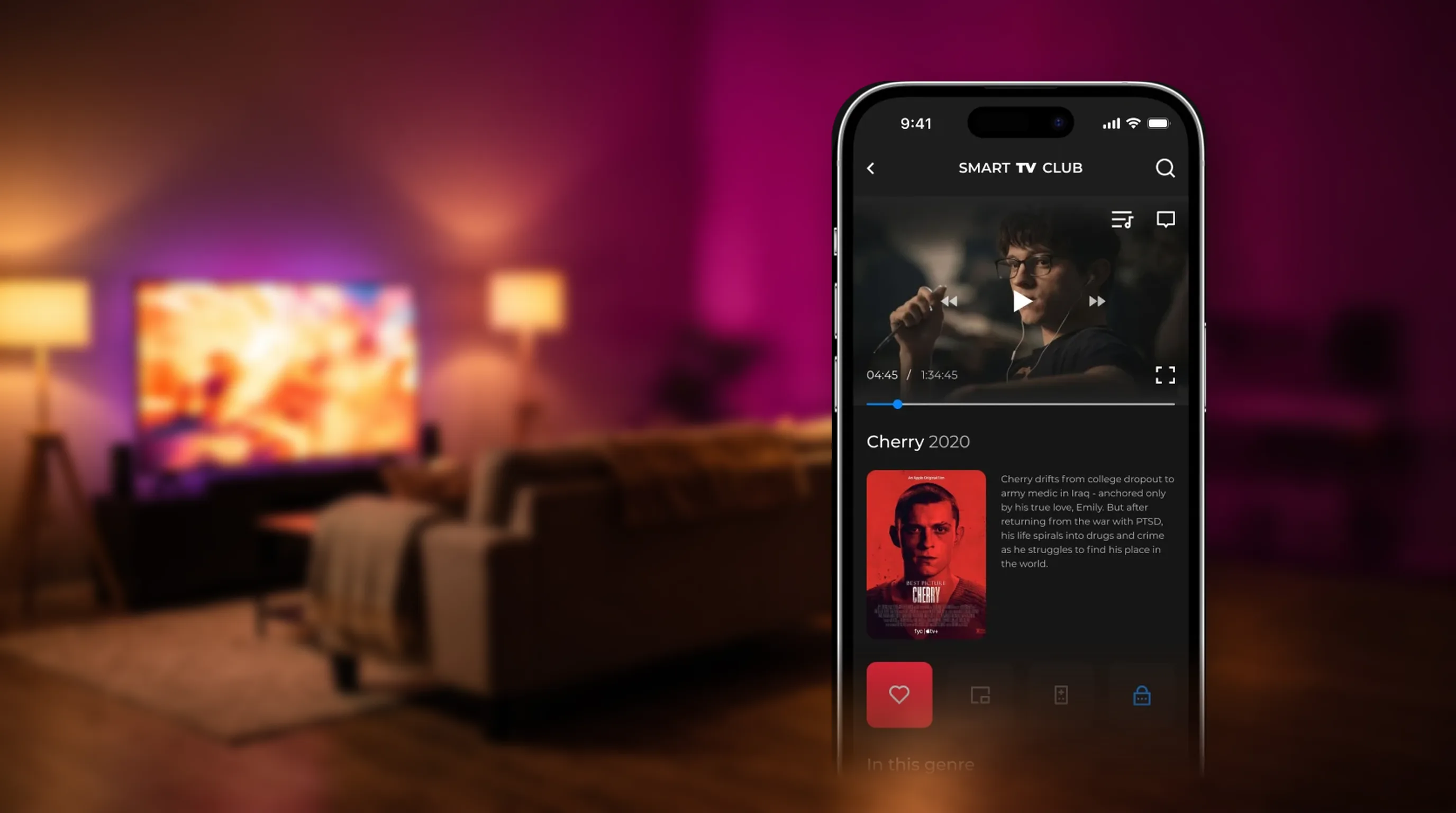
SmartTV Club is a TV streaming app for Samsung, LG and Android TV. It is an IPTV player: viewers bring the subscription they already have and watch it through the app. The service sells no channels.
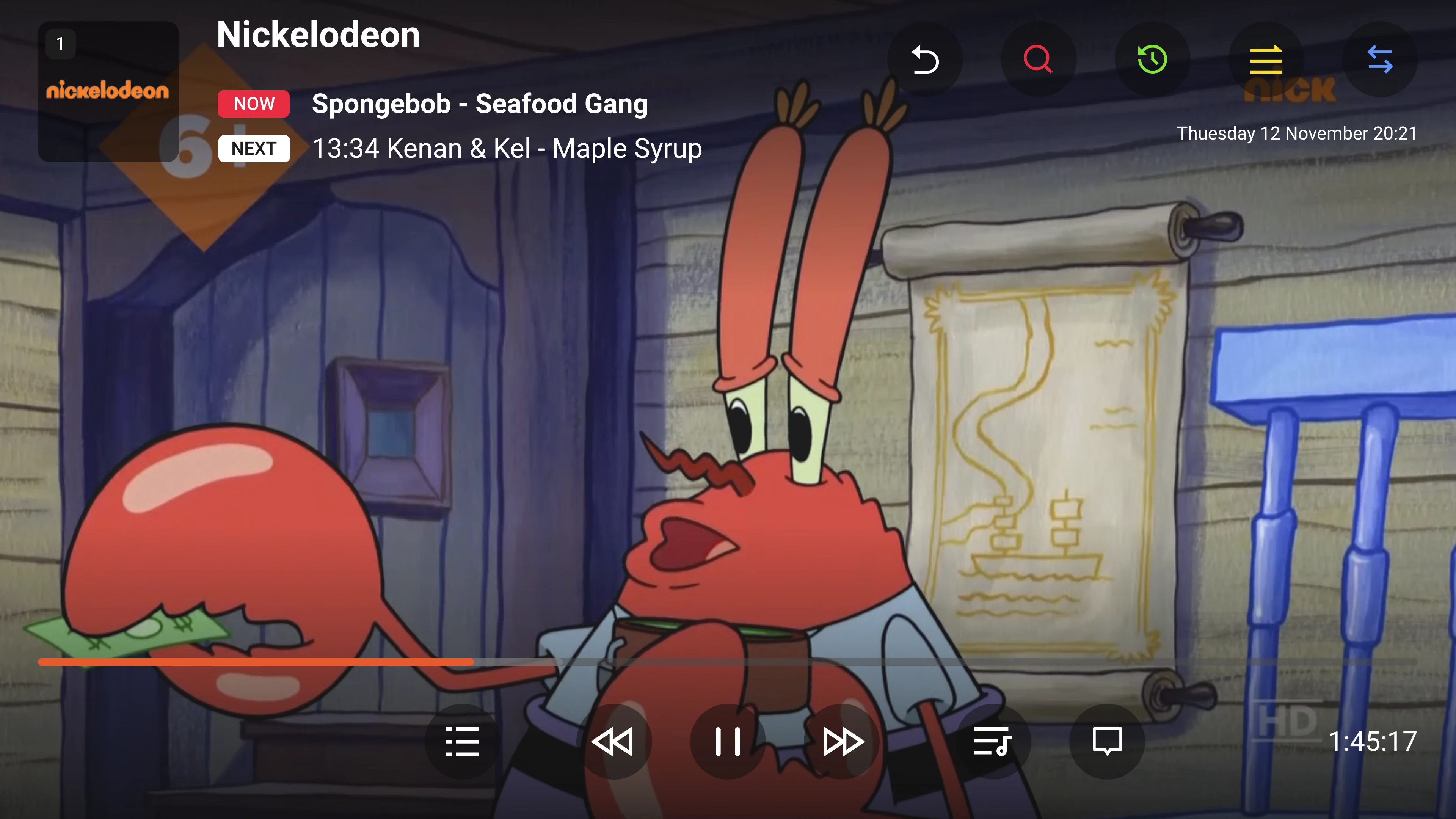
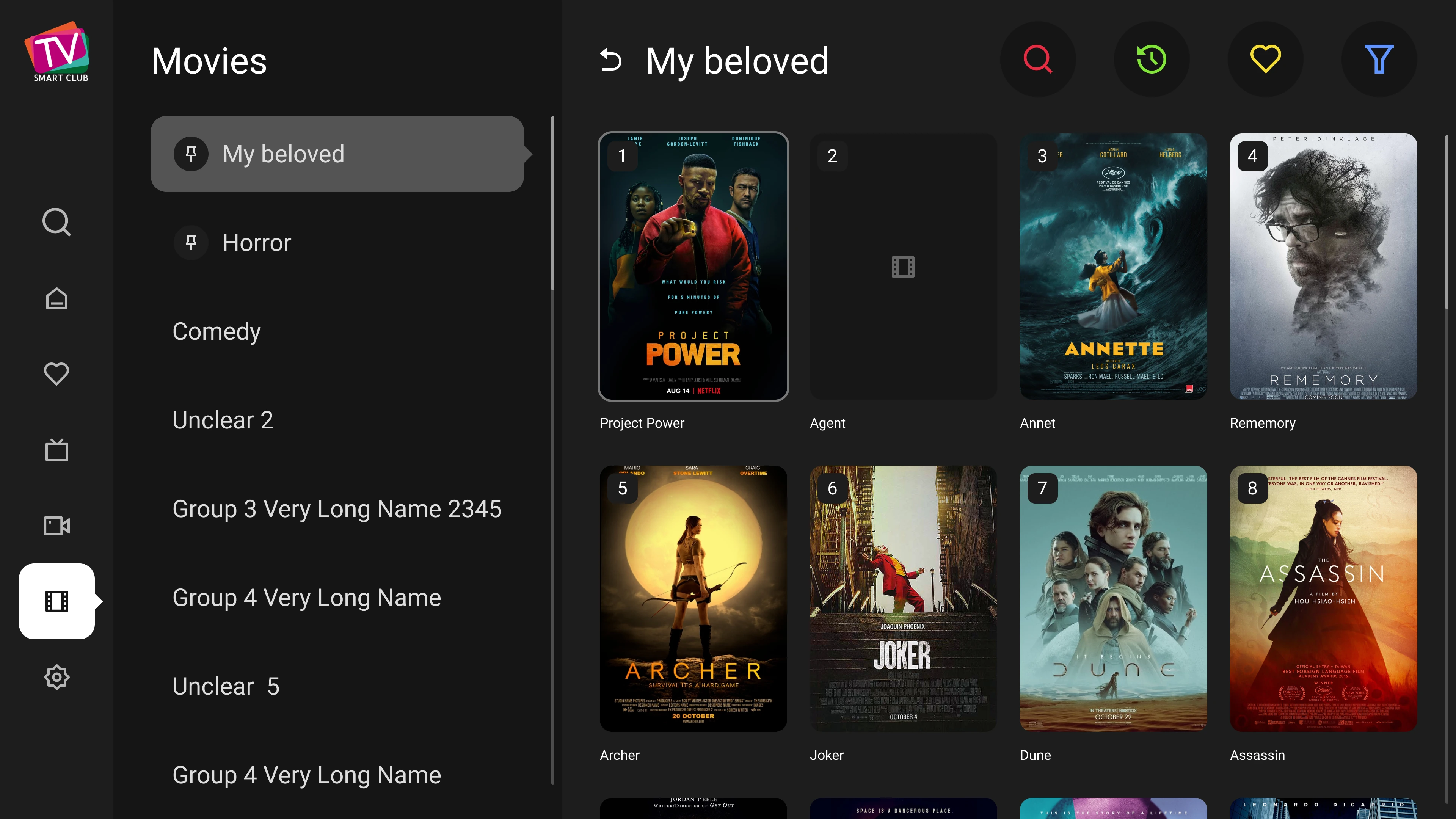
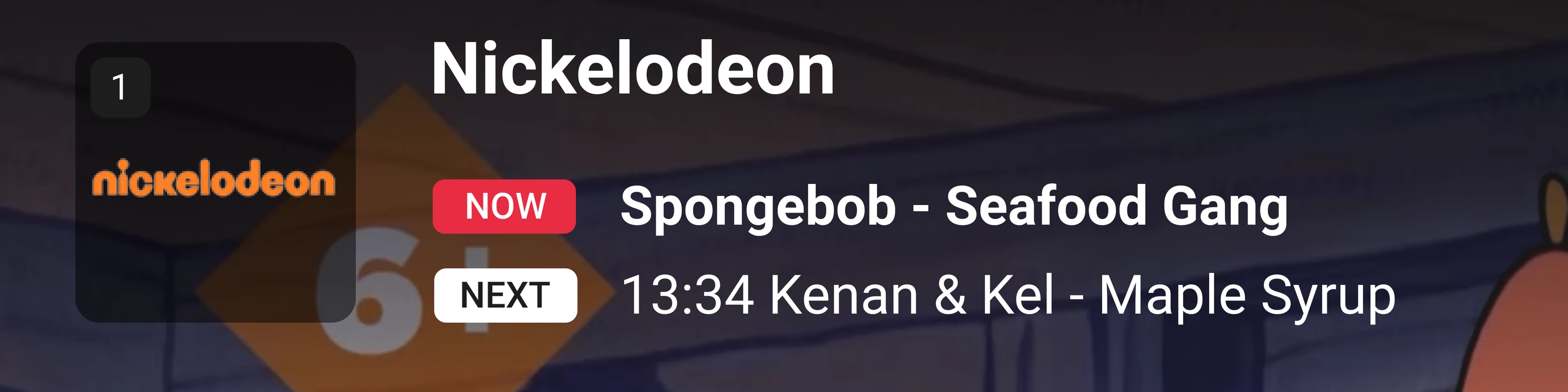
A viewer creates an account and adds their playlists. They scan a QR code on the TV with their phone, the TV links to the account, and their channels load: live TV with a programme guide, on-demand content, favourites and parental controls.
3 · Movies
NowFeature film
Next22:10 Late movie
20:21
The challenge
Every TV maker runs its own platform. Samsung and LG used different languages and shared no code, so each needed its own front end. Android TV later made three.
Then the audience came fast. The client put serious money into ads, and the app grew to millions of users on a backend that had to keep working through every change.
What we did
- Design
- The client brought design concepts. Our UI/UX designer turned them into the app's screens.
- TV apps
- Native front ends for Samsung (Tizen) and LG (webOS), then Android TV. Each one only draws the screens; the logic stays in the backend.
- Backend
- A custom Node.js backend from day one. We had suggested Firebase; the client chose a backend built for growth from launch. Accounts, playlists and TV linking run there.
- Money
- Subscriptions and ads side by side, with a custom ad system: the client works with its own ad providers, outside the App Store and Google Play ad networks.
- Android TV
- The third front end took four months, because the backend already did most of the work.
- Launch
- We launched as planned, then spent the first months on viewer feedback and changes before the growth came. The client's CTO advised and reviewed our work.
The hardest problem
Our backend had to grow to millions.
The client's ads took the app past 2.7 million users, and the backend had to be reworked more than once while people kept watching. Our first migrations had flaws.
What saved us was keeping development, staging and production apart. Every change ran on staging first, so failures hit staging, never production. Staging had problems of its own; we fixed them as we went.
Without staging
- Changes tested on live viewers.
- Downtime during each switch.
- Viewers find the bugs first.
Staging first
- Development, staging and production kept apart.
- Every migration rehearsed on staging.
- Failures hit staging, never production.
- Backend reworked past 500k users with zero downtime.
That is how we learned to run a backend at scale. The same process later launched an app that made $1M+ in its first two weeks, and nothing broke in launch week.
Free clickable prototypeKey insights
- 01
Put the logic in the backend.
Each TV only draws the screens. That is why the third platform, Android TV, took four months.
- 02
Rehearse every change on staging.
Separate development, staging and production meant failures hit staging, never the viewers.
- 03
Launch, then listen.
The first months after launch went into viewer feedback and changes. The growth came after, and the app was ready for it.
Proof
- 2.7M+ Downloads across all platforms
- Zero Downtime while the backend was reworked past 500k users
- 3 TV platforms: Samsung, LG and Android TV
“The experience exceeded my expectations. The quality of their work is top-notch, and they consistently demonstrated a dedication to excellence throughout the project.”